Moments: Capturing Wedding Memories Through Collaborative Storytelling
A mobile app that helps couples and guests co-create a multi-perspective timeline of wedding moments, balancing the desire to stay present with the need to preserve authentic memories.
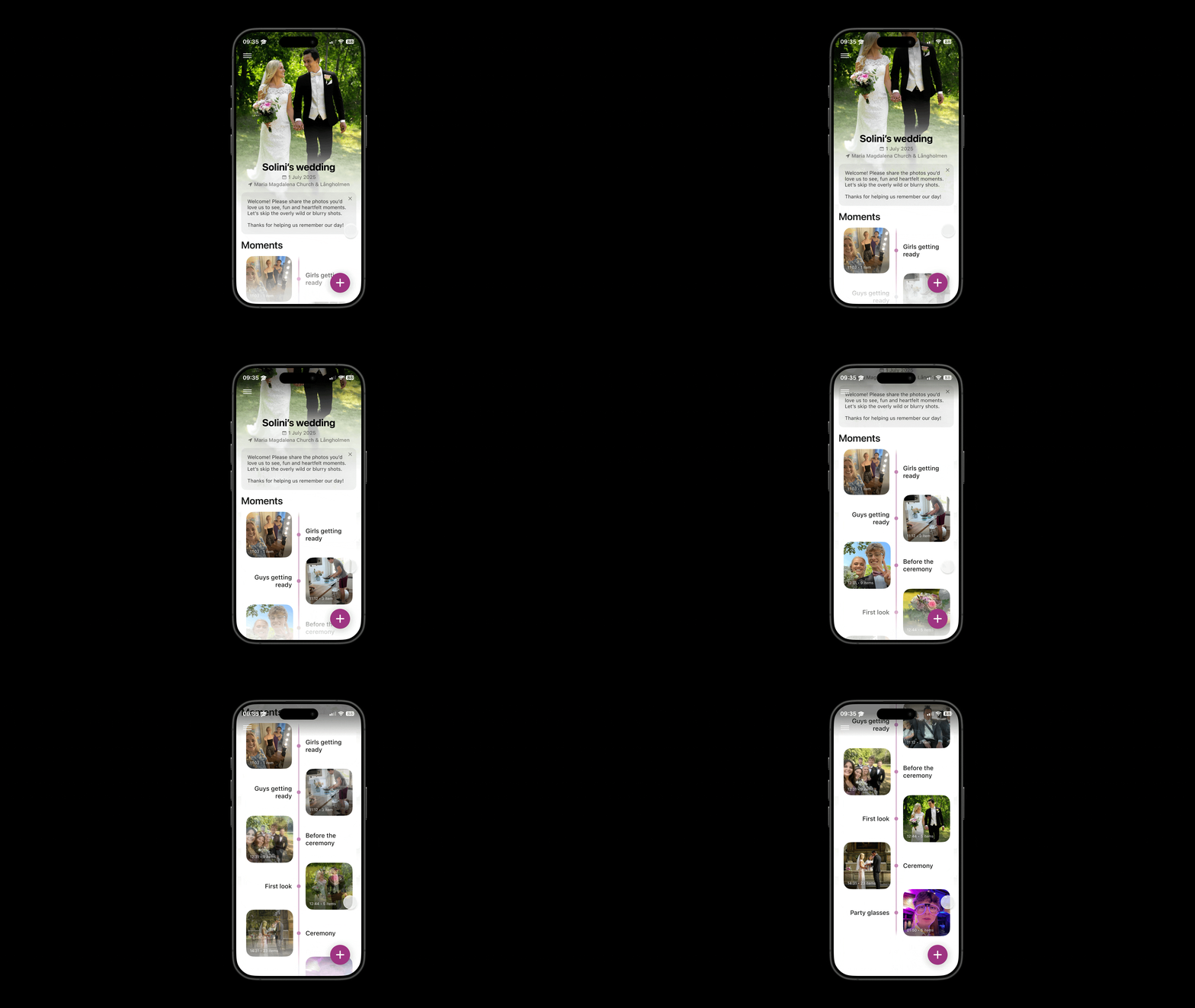
Project role
UX Designer & Researcher
Key skills
User Research
Figma Prototyping
Usability Testing
Timeframe
Sep 2024 - Dec 2024
The Challenge
Weddings are deeply meaningful rituals that bring families together across generations. How can we add meaning to a ritual already so well-established and layered with many smaller rituals?
The opportunity
We conducted 7 semi-structured interviews with couples married within the last 5 years, complemented by a literature review on wedding rituals and technology’s role in memory-making.
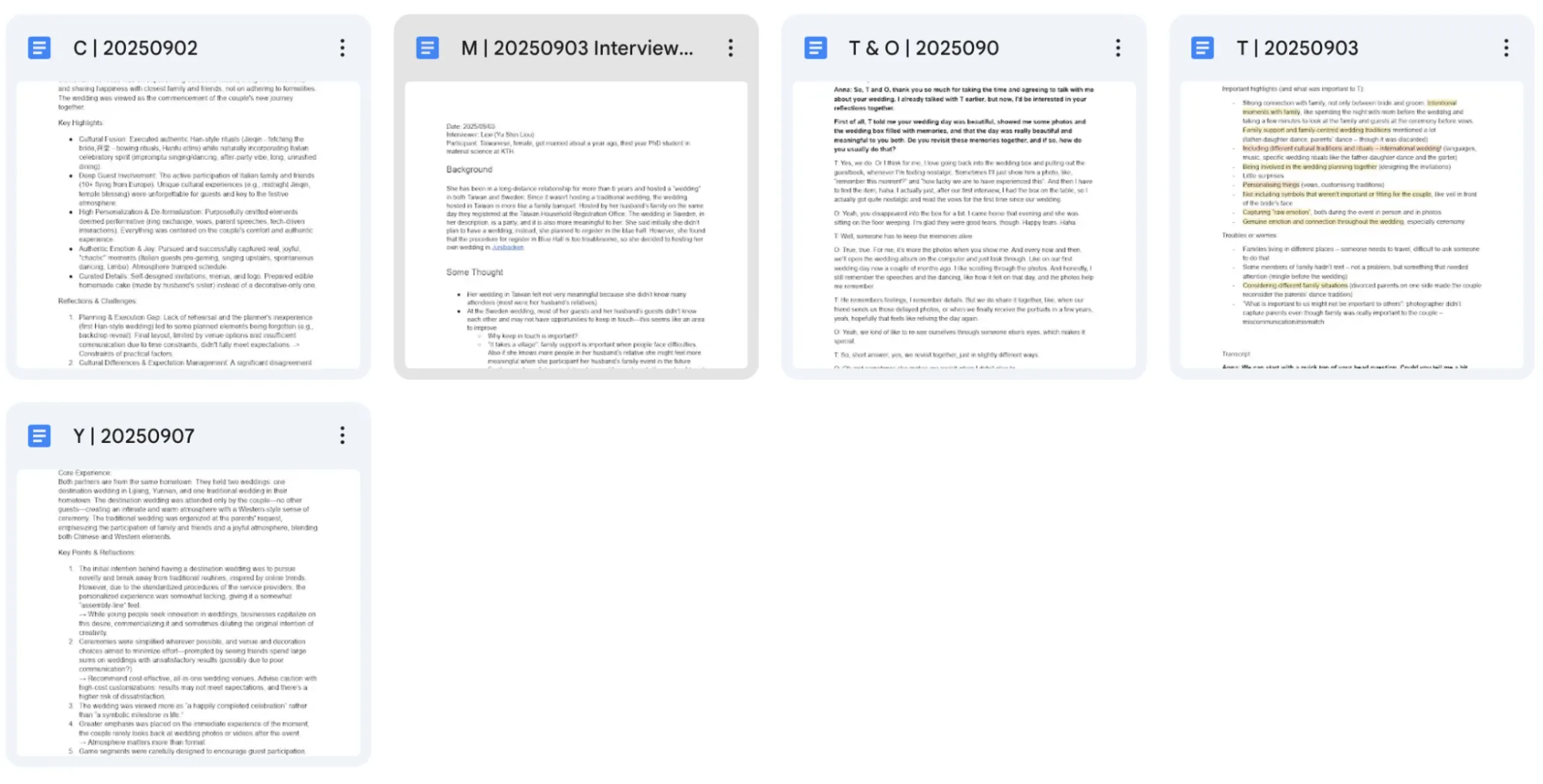
Interview transcripts organized by participant
We synthesized our findings using a 4-level affinity diagram, moving from raw quotes to themes to actionable insights.
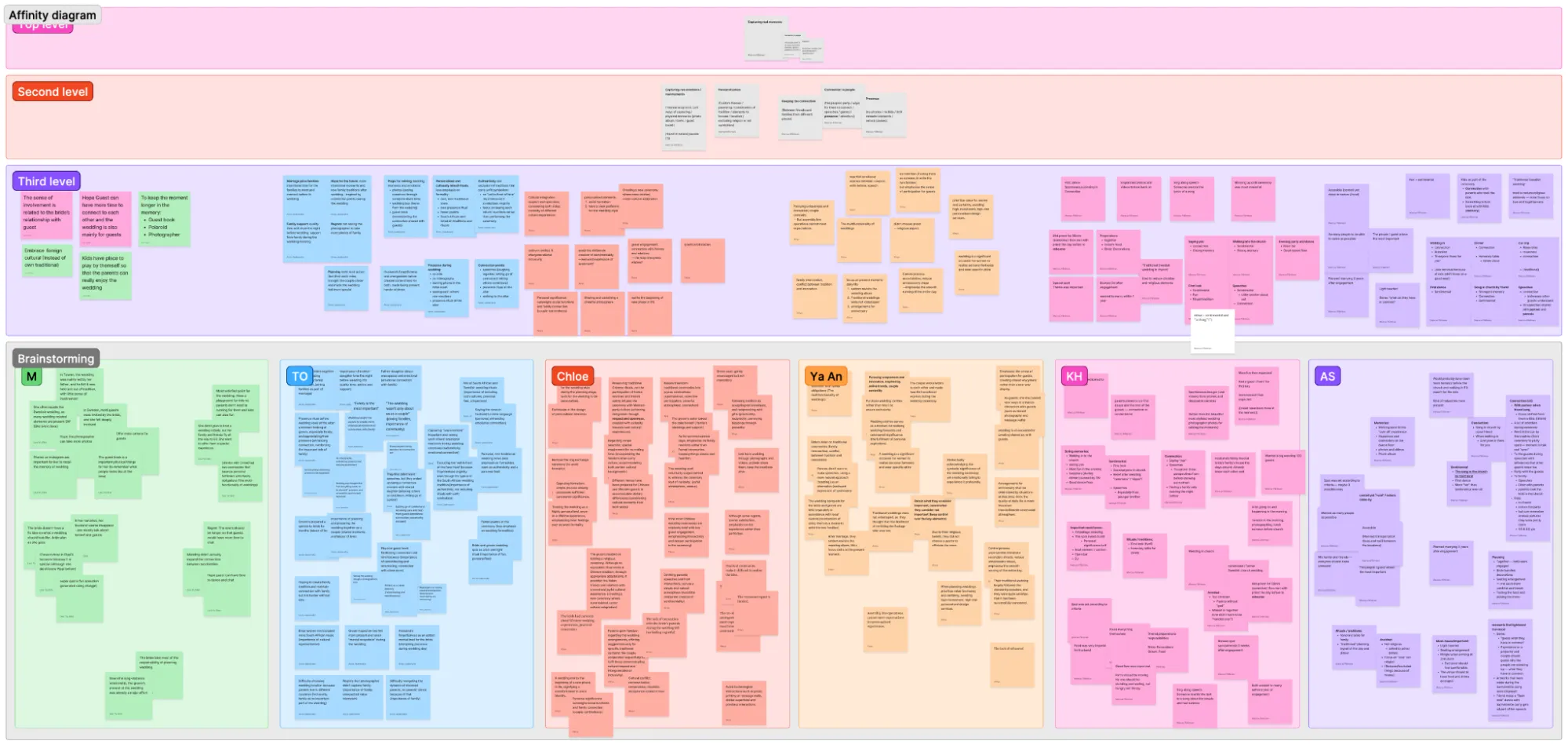
From bottom up: descriptive codes → clusters → themes → key insights
Key Insights
Photos Drive Memory
Photos are the primary medium for revisiting wedding memories. Viewing them together sparks conversations that enhance emotional recall.
Guest Photos > Professional
Spontaneous, “lo-fi” photos from guests preserve raw emotions better than polished professional shots that can feel emotionally distant.
Presence Over Documentation
Couples deliberately avoid intrusive recording. One bride left her phone at the hotel to stay fully present.
"You only get married once, but for professional photographers, it's like an assembly line — a bit fast-food style."
Interview participant C

"I literally left my phone in the hotel room, so I couldn't personally take any photos. It felt best to have that presence there."
Interview participant T
Personas
We developed three personas representing distinct user needs discovered in our research.
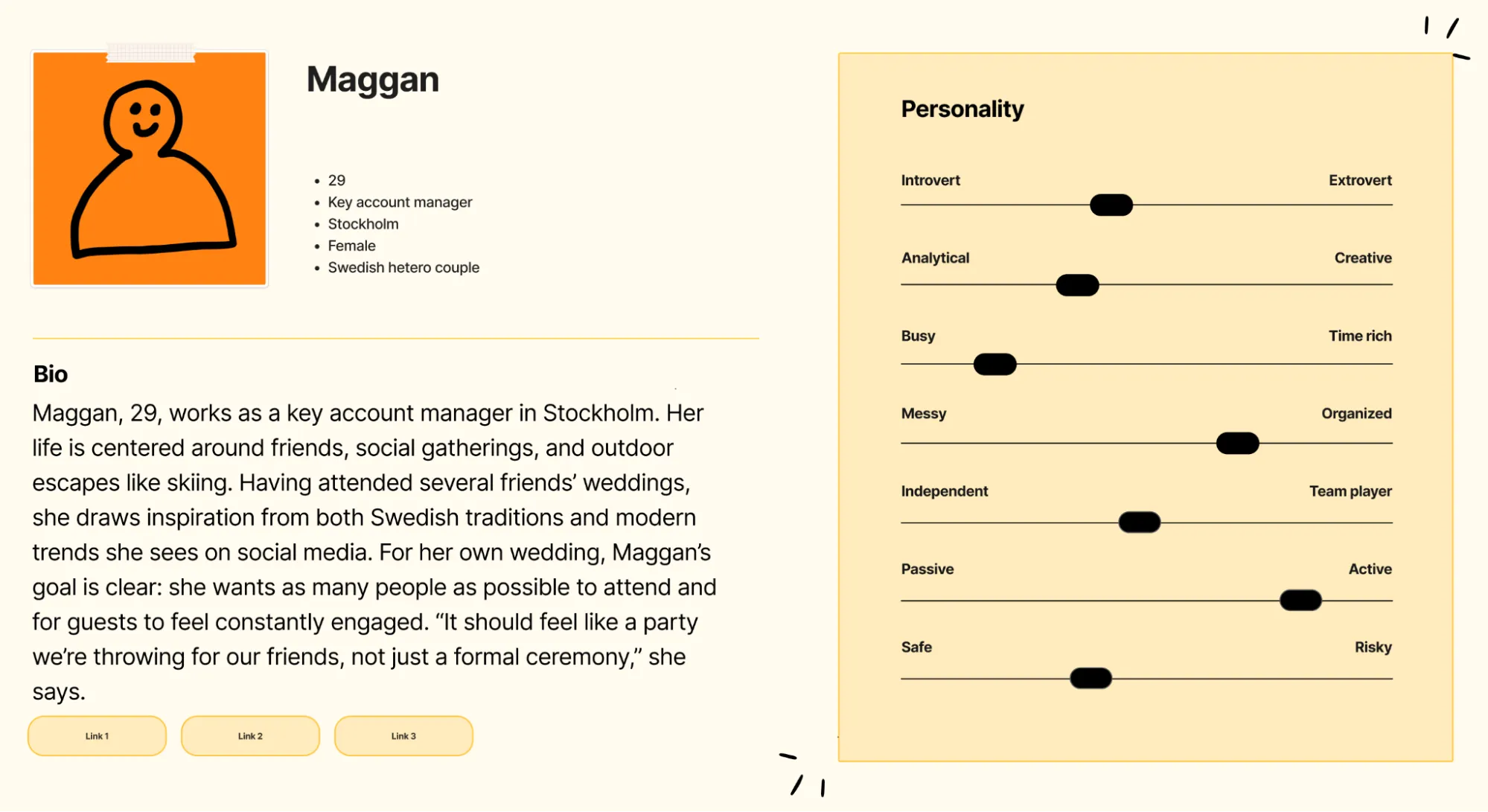
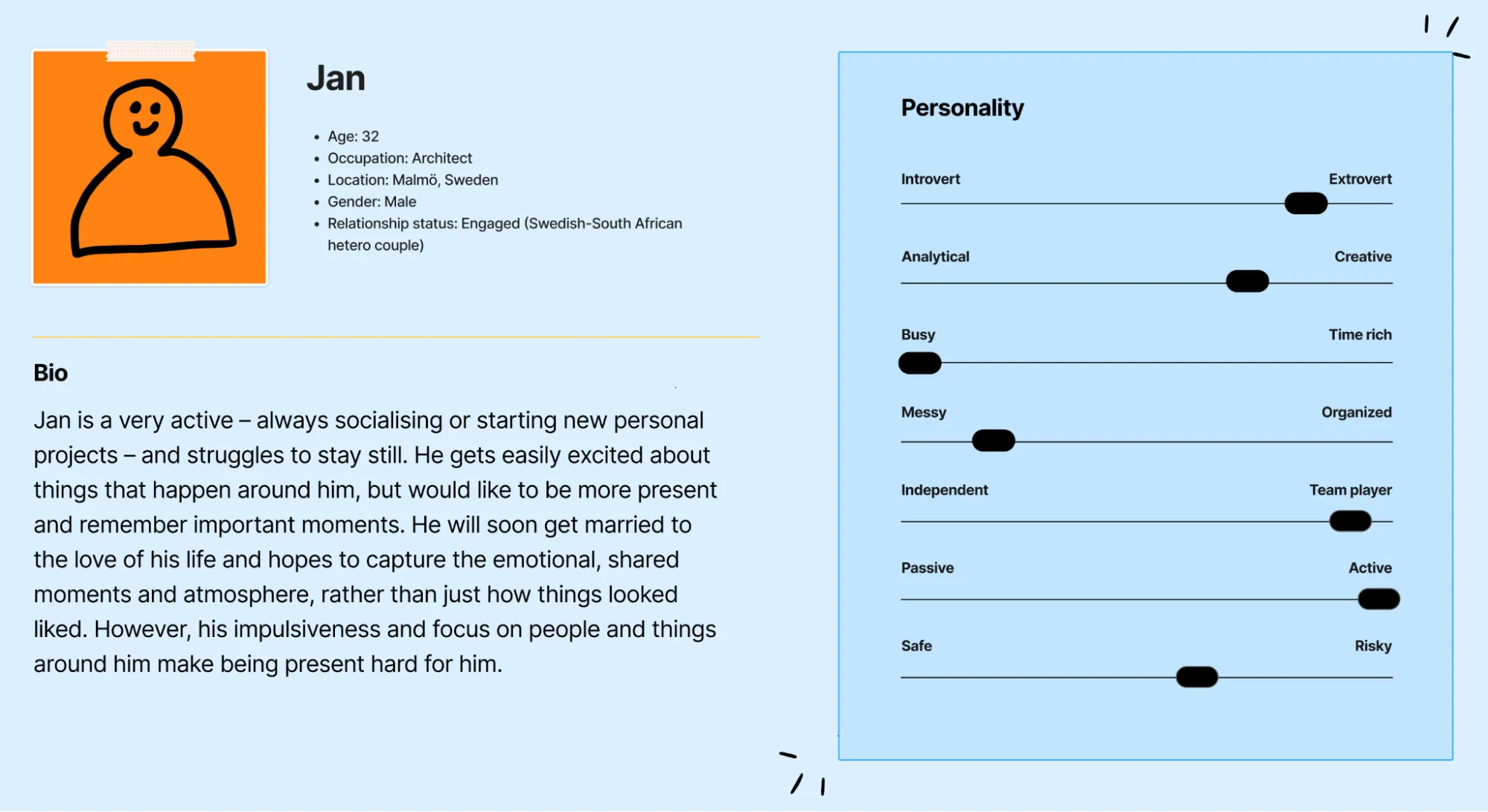
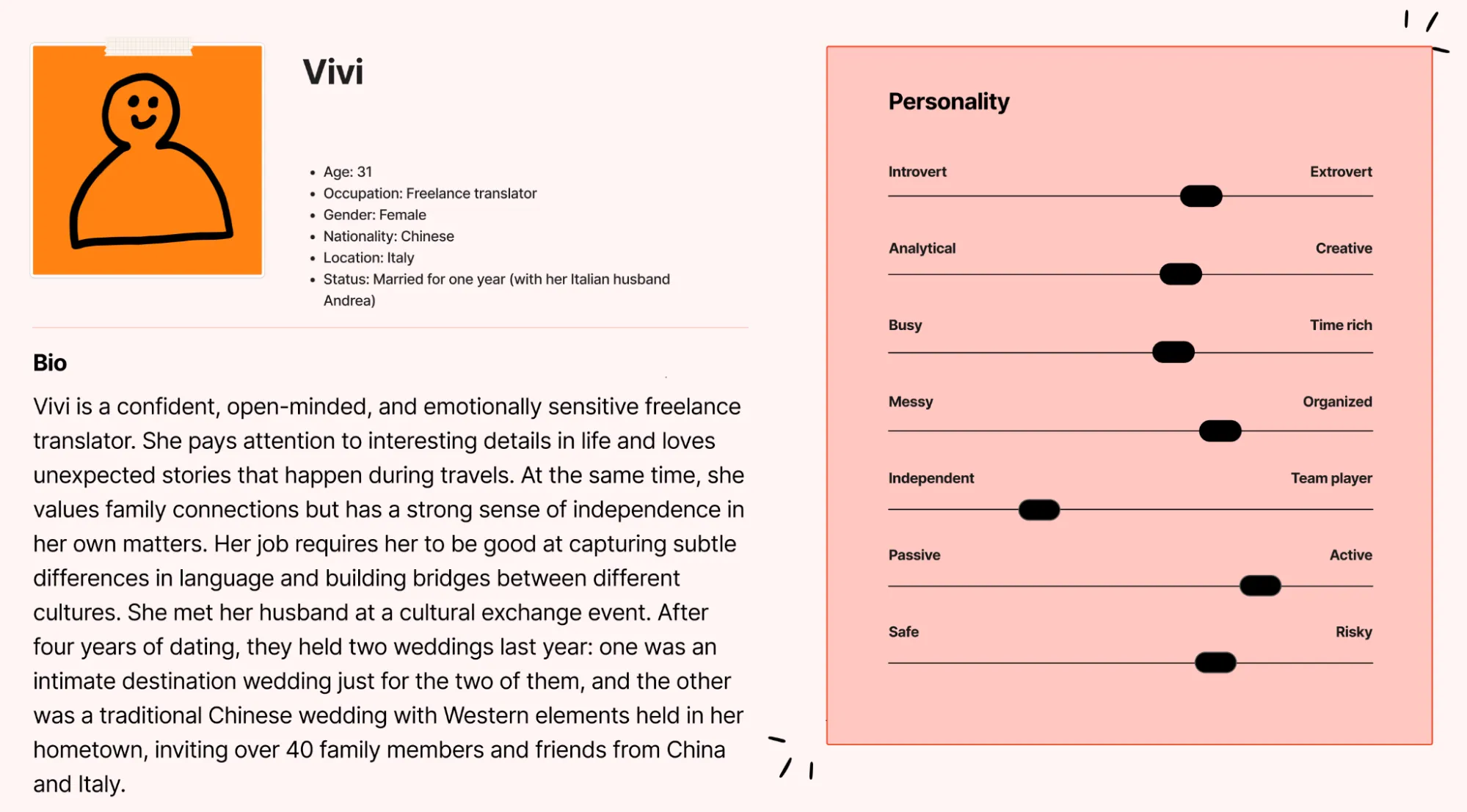
Despite different personalities, all personas shared a core need:
POV: Couples getting married need help capturing their wedding moments in spontaneous, participatory forms, because an alternative method may help retain the emotional nuances and atmosphere.
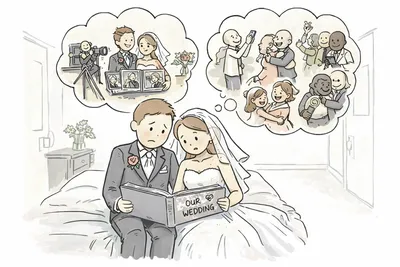
The core tension: Staying present vs. capturing memories
How might we capture the small, loving, and messy moments between people, while keeping the disruption to a minimum?
Ideation
Worst Possible Ideas
We started ideation with the “Worst Possible Ideas” method to identify what we must absolutely avoid. What are the common negative attributes of bad ideas?
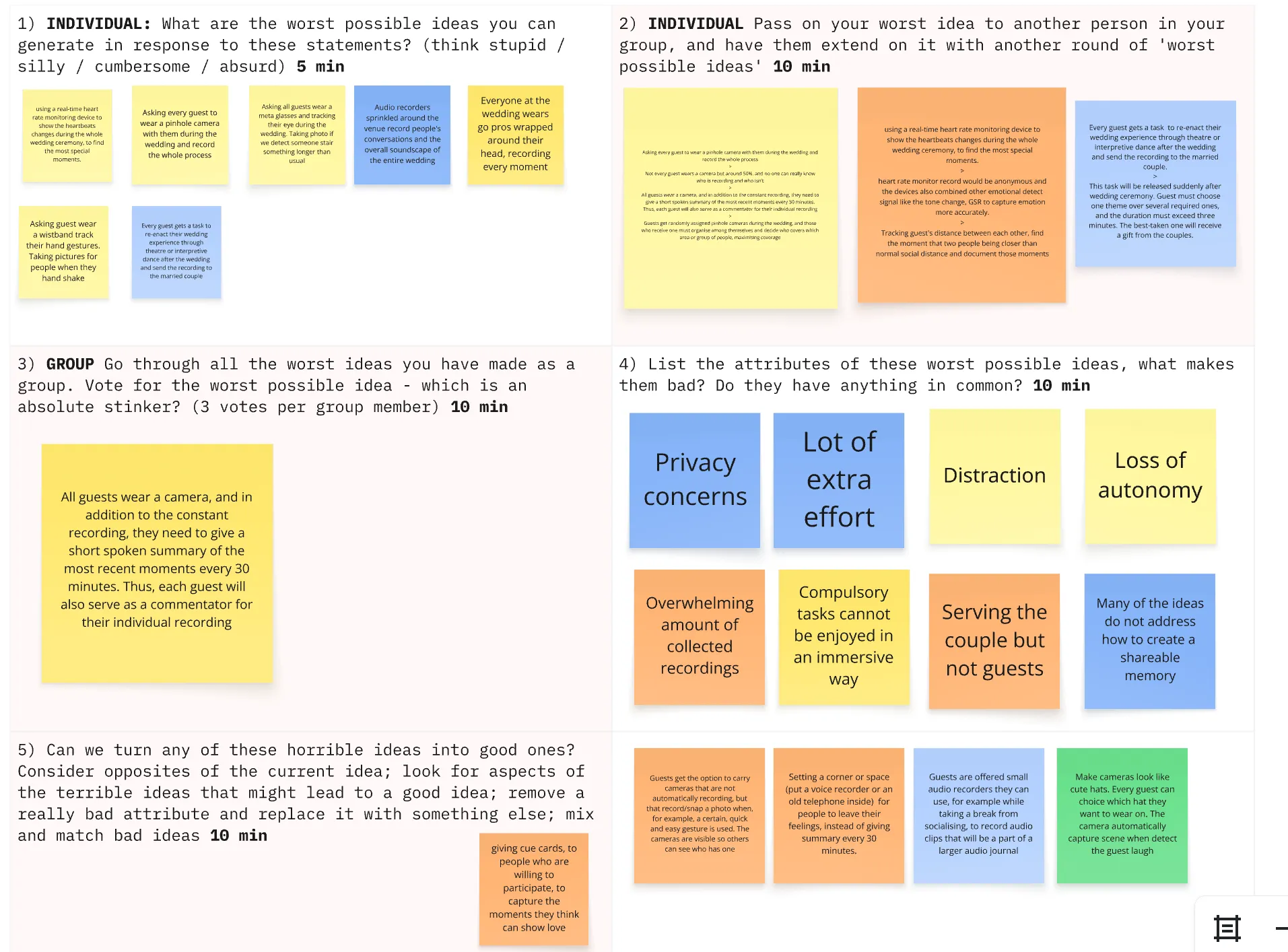
Analyzing worst ideas revealed key attributes to avoid
Concept Exploration
Through individual brainstorming and group synthesis, we generated 40+ ideas and narrowed down to 4 promising concepts.
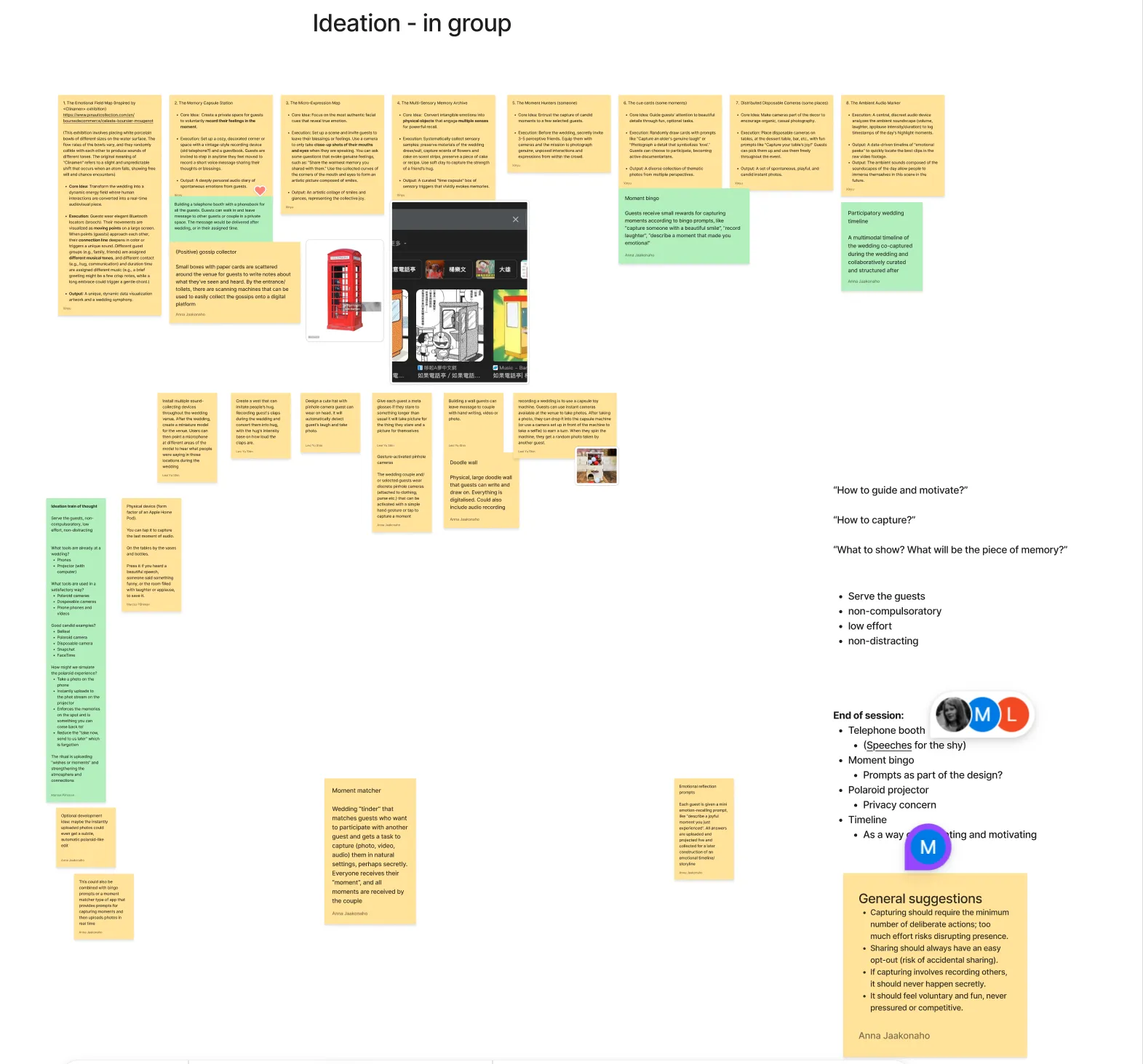
☎️ Telephone Booth
Private space for guests to leave voice messages, delivered after the wedding.
⚠️ Requires guests to step away from the event
🎯 Moment Bingo
Gamified prompts for capturing specific moments with small rewards.
⚠️ Risks feeling competitive and forced
📽️ Polaroid Projector
Real-time photo stream projected at the venue.
⚠️ Privacy concerns with immediate display
⌛️ Collaborative Timeline
Multi-perspective timeline co-created by guests after the wedding.
✓ Non-intrusive, autonomous, focuses on co-creation
Why Timeline?
Minimizing disruption during moment capture requires more automation, but this creates overwhelming content that obscures what truly matters. Any additional device inevitably intrudes on the experience.
Yet the most genuine, moving moments are often already captured in guests’ phones; they’re just never collected and brought together.
We selected the collaborative timeline because it uniquely resolves the core tension:
No disruption during the wedding
Content is uploaded afterward, at guests’ convenience
Co-creation adds depth
Multiple perspectives transform isolated moments into rich narratives
Encourages intentional capturing
Knowing there’s a place to share motivates mindful photography
Design Process
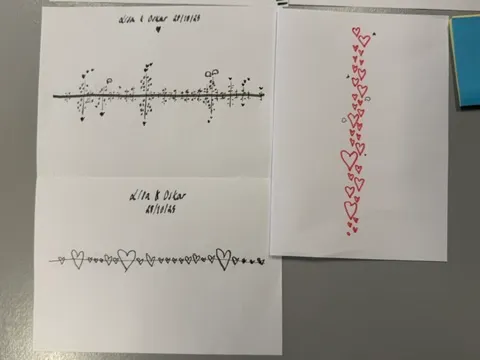
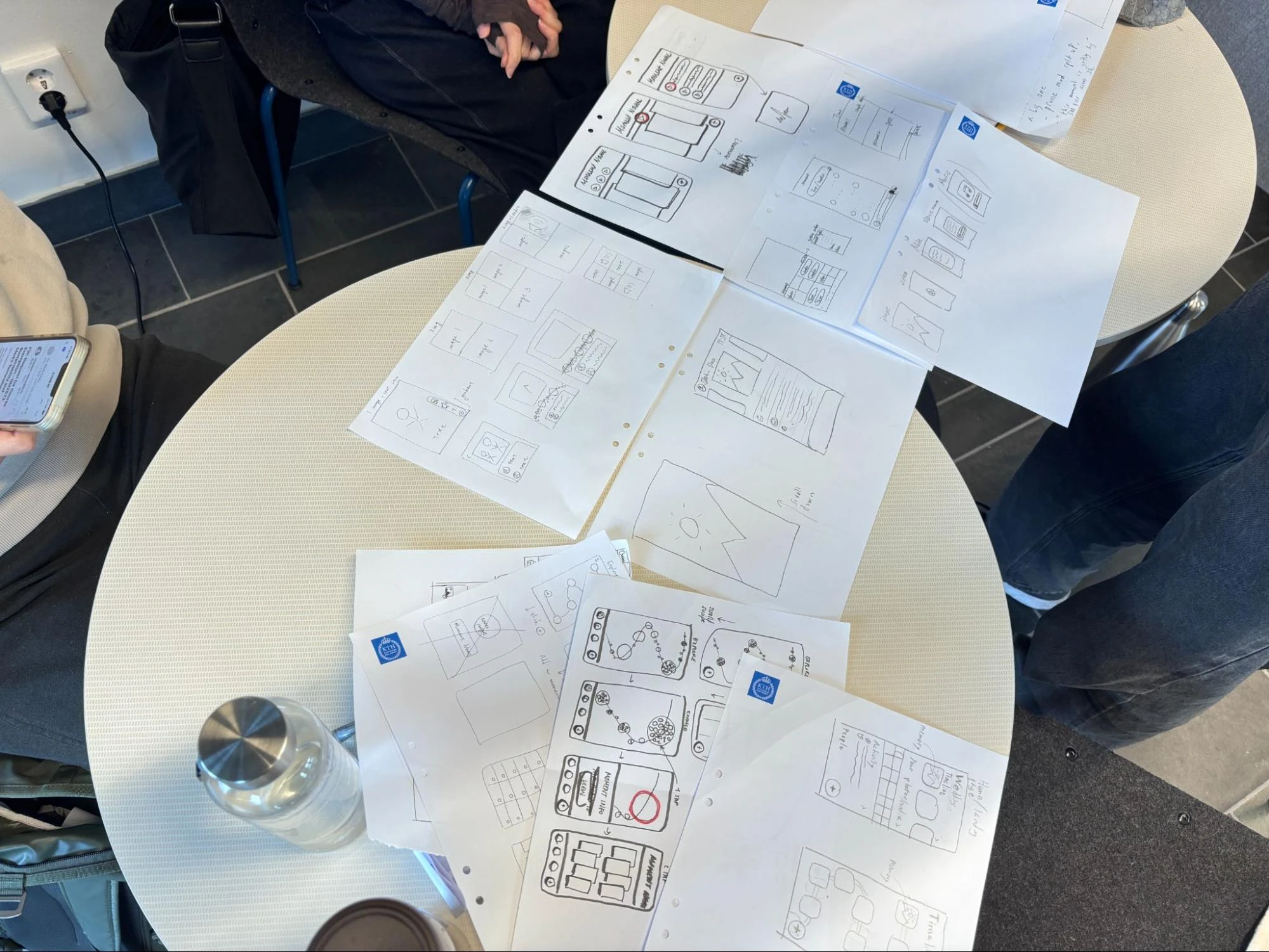
Early Sketches
We explored diverse visual approaches for representing the timeline, from abstract to literal.
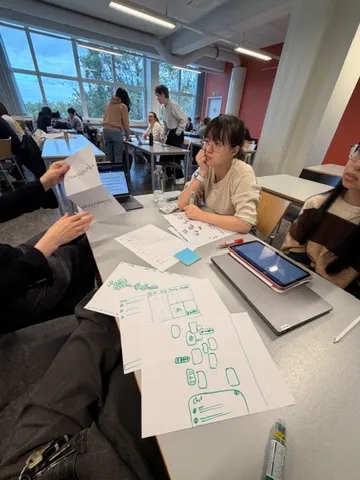
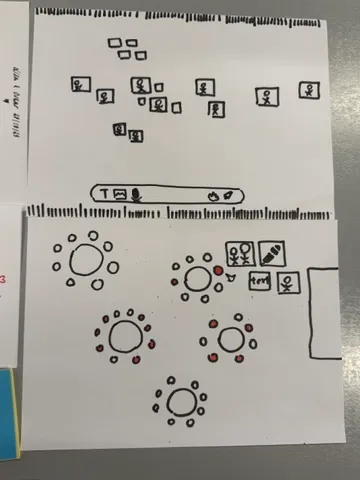
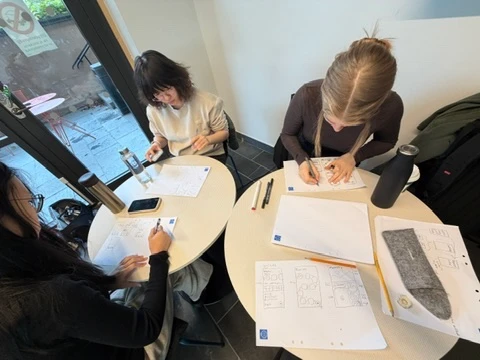
Parallel Design
We adopted a parallel design approach, with team members independently creating wireframes for key screens before converging on solutions.
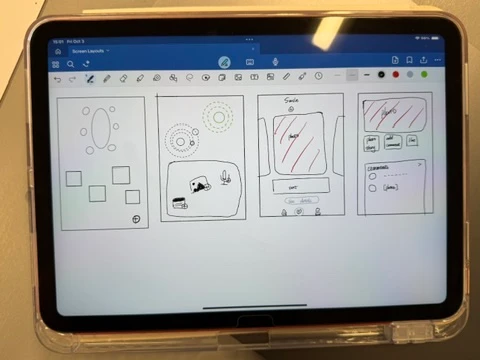
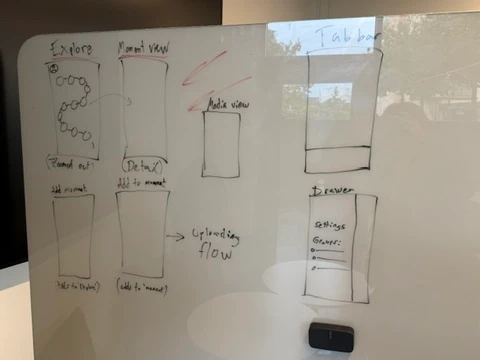
Lofi Prototypes
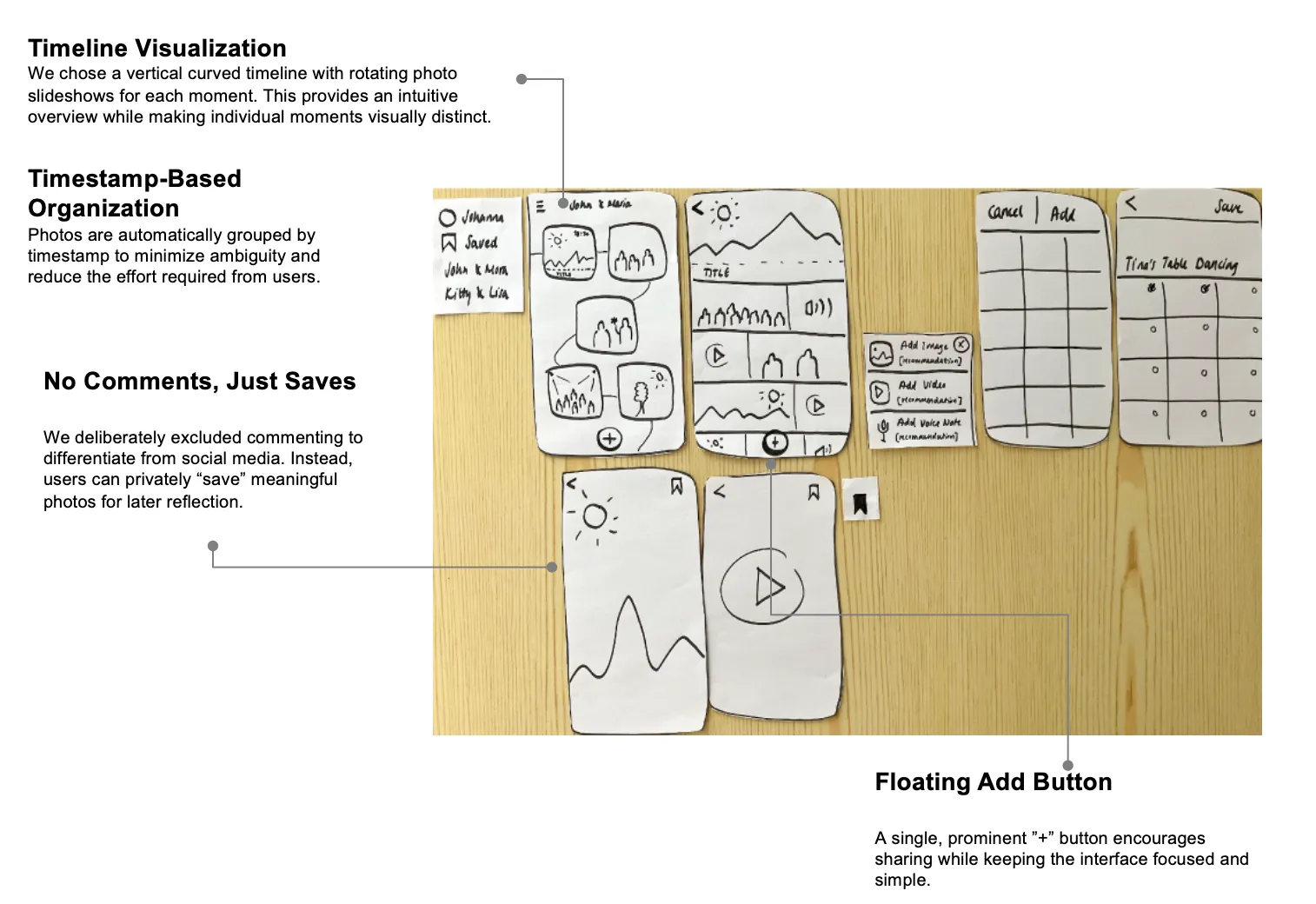
Low-fidelity prototype used for usability testing
Usability Testing
We conducted formative evaluation with 4 participants using paper prototypes cut into mobile screen shapes.
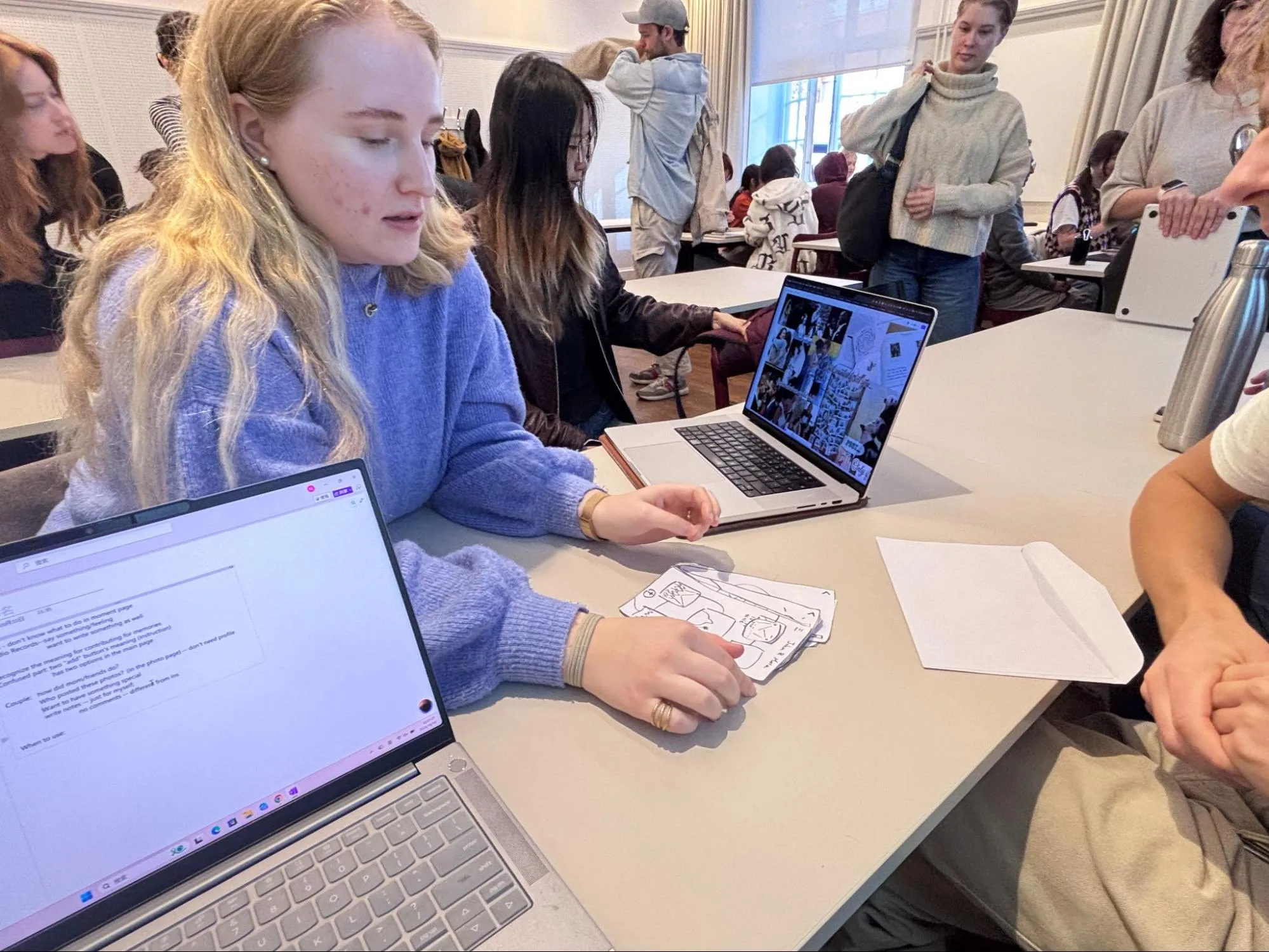
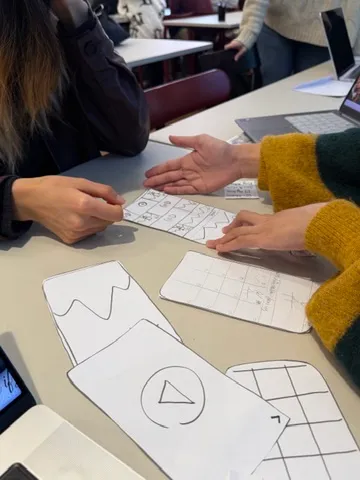
We used Cognitive Walkthrough + Think Aloud with role-playing scenarios:
👤 Guest Scenario
”You were a guest at a wedding yesterday. Now you’re joining in to share your own content.”
💑 Couple Scenario
”You got married yesterday. You’re logging in to see what everyone has shared.”
Key Findings & Iterations
1. Confusing dual “Add” buttons◀
Finding: Users couldn’t distinguish between the Add button on Timeline vs. Moment View.
Solution: Redesigned to show two clear options: “Add Media” (to existing moment) or “Add Moment” (create new).
2. Desire to see contributor identity◀
Finding: Couples wanted to know “What did Mom/friends capture?”
Solution: Added contributor identity display on moments and individual media.
3. Need for flexible input methods◀
Finding: Users wanted text descriptions in addition to voice memos.
Solution: Added parallel options: Photo, Video, and Voice Memo.
4. Couple’s view should feel special◀
Finding: Couples wanted their wedding page to feel distinct from weddings they attended as guests.
Solution: Created visual differentiation with welcome message and prominent hero image for the couple’s own wedding.
Final Design
Key feature 1: Time line view

Organize media as time line
Key Feature 2. Support Multiple Media

Support audio, video and image
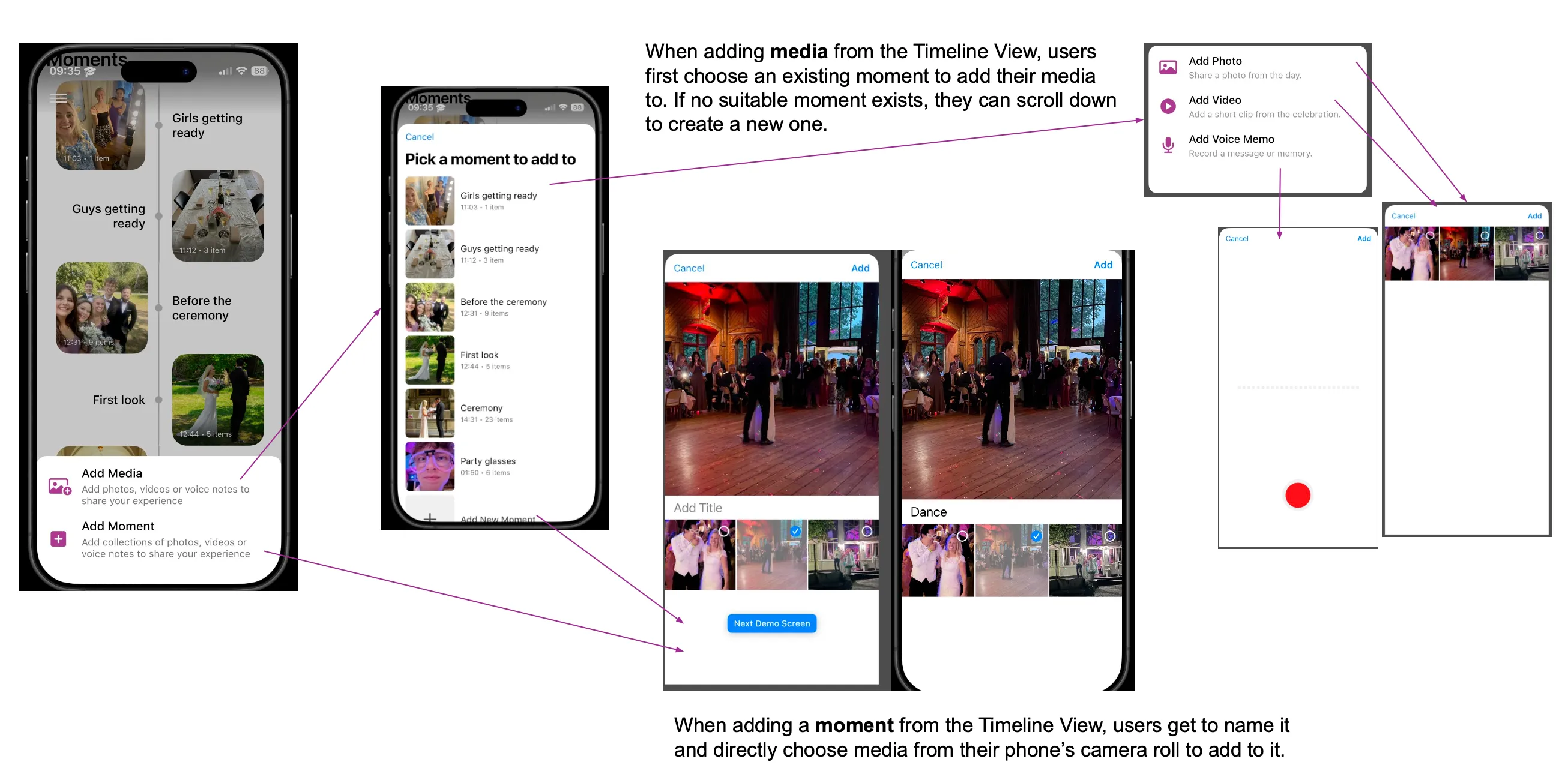
Adding media: users choose an existing moment or create a new one
Key Feature 3. No comment, like, just save what you want to keep

Save image functionality
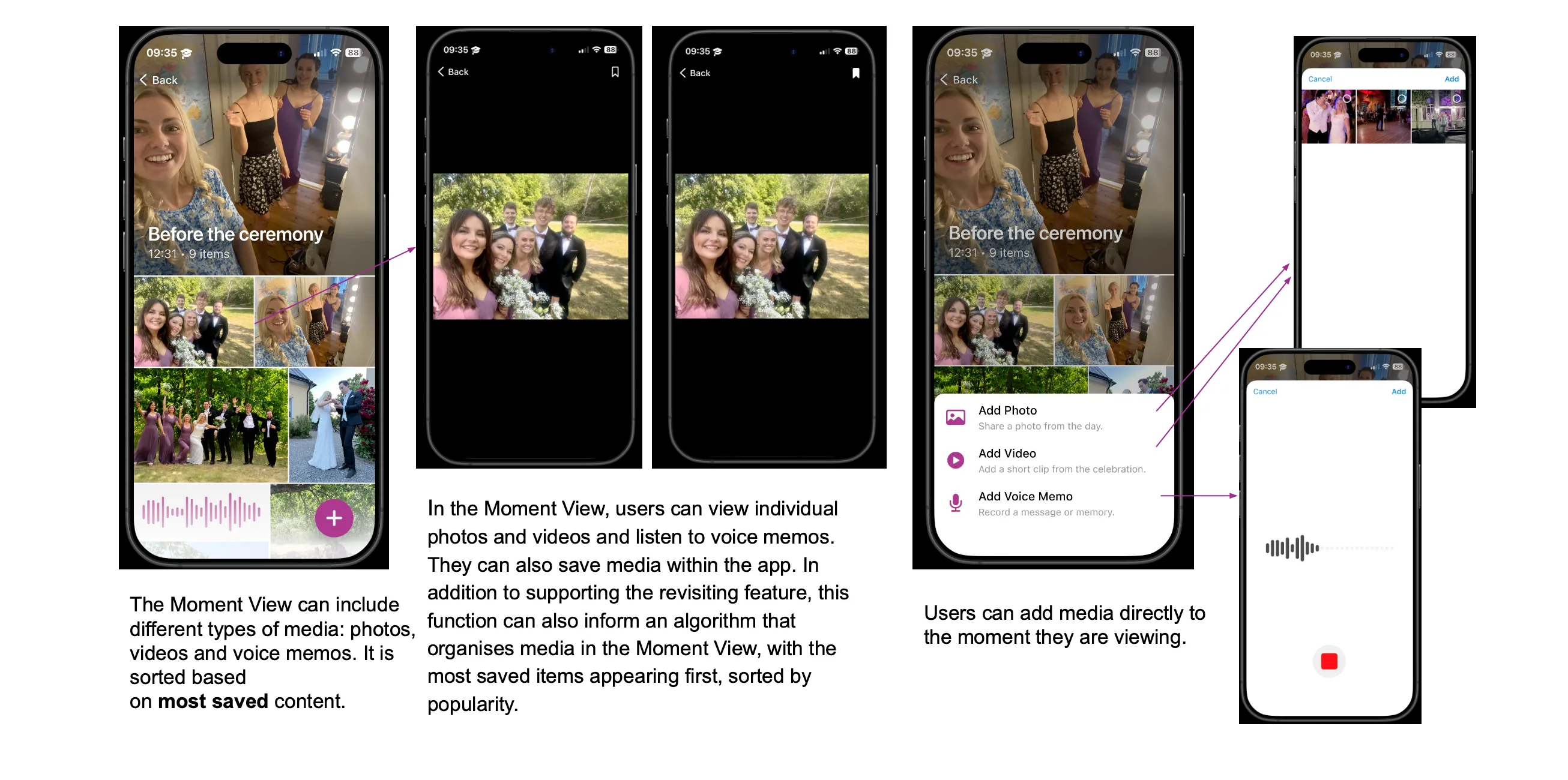
Moment View: photos, videos, and voice memos sorted by the number of people saved
Core Feature
Moment Timeline
Scrollable vertical timeline with rotating photo previews for each moment
Multimodal Content
Support for photos, videos, and voice memos to capture different facets of memory
Contributor Identity
See who captured each piece of content, enabling couples to appreciate each guest’s perspective
Private Saves
Bookmark meaningful content without public likes or comments
Reflection
As a developer, I often dive straight into implementation, trying to make an application as “complete” as possible. This project taught me that not all features are necessary.
For example, likes and comments seem essential for any photo-sharing app. But our research revealed that users preferred private interactions. They prefer saving photos for themselves rather than seeking social validation. They wanted to preserve memories, not compare engagement metrics.